How to Secure Java Docker Images and Reduce CVE Risk
Learn how to secure Java Docker images with CVE scanning, SBOMs, hardened multi-stage builds, BuildKit attestations, and Cosign signature verification.
The Black Forest Commandos' field guide to CVEs, SBOMs, hardened images, attestations, and software supply chain security.
Your Java application can inherit vulnerable dependencies and base-image packages before you write a single line of application code. A successful Docker build alone does not tell you what shipped, how it was built, or whether you can trust it.
Asgard is under attack. Shadow creatures called CVEs have infiltrated the realm, and Thor's hammer is proving surprisingly ineffective. Odin has only one option: summon the Black Forest Commandos.

Behind the mythology is a practical question: How do we build container images that we can inspect, trust, and deploy with confidence?
Let's secure a Spring Boot sample project together, and with the help of the Commandos (CLI commands).
Start with the Ready-to-Run Sample
Before we start, let's check your toolset:
Before you begin
0 of 8 checked
Docker builds, compiles, and tests the application, so you can follow this walkthrough without installing Java or Maven locally. Use a Bash-like terminal for the commands below.
Check Out the Tested Starting Point
The reference repository has two branches:
main, which is the state you will reach at the end of the article.start, is the beginning of the journey.
We will start from there:
git clone --branch start --single-branch \
  https://github.com/ContainerSecurity-dev/dockerize-java-securely.git
cd dockerize-java-securely
You can edit and commit your experiments on this local branch. Base-image tags and vulnerability databases can still change, so your scan results may differ.
The files you'll use are:
src/andpom.xml: the working application and its HTTP integration test.Dockerfile.baseline: the starting image, using the official Maven and Eclipse Temurin images.Dockerfile: the hardened version you'll compare against it.scripts/: helpers to check the HTTP response and save vulnerability reports.
So, let it rip.
1. Build a Baseline You Can Inspect
We use a temporary, loopback-only registry so the audience can practice pushes and attestations without publishing application images to a public registry. This unauthenticated HTTP registry is for local demos only. For a remote registry, use an authenticated namespace you own over HTTPS.
docker run -d --name dockerize-java-demo-registry \
  -p 127.0.0.1:15000:5000 registry:3
export IMAGE_REPO=127.0.0.1:15000/dockerize-java-securely
mkdir -p results

docker buildx build --platform linux/amd64 \
  -f Dockerfile.baseline \
  --sbom=true --provenance=mode=max \
  --metadata-file results/baseline-build-metadata.json \
  --push -t "$IMAGE_REPO:baseline" .

scripts/smoke-test.sh "$IMAGE_REPO:baseline"
export IMAGE="$IMAGE_REPO:baseline"
The smoke test returned Hello, Docker Security! as user 10001:10001, with a read-only root filesystem, writable /tmp, dropped capabilities, and no-new-privileges. It removes its own test container afterward.
2. Know Your Enemy: CVEs and SBOMs
Log4Shell (CVE-2021-44228) demonstrated why knowing which dependencies we ship matters. An SBOM, or Software Bill of Materials, is an inventory of software components and versions, not proof that they are safe.
Rothütle's first mission in Asgard is to discover who lives there. In Docker, we do that with Scout:
docker scout sbom "$IMAGE" --format list
docker scout sbom "$IMAGE" --format spdx --output results/sbom.spdx.json
How many packages are listed here?
In the docker buildx build command we ran, we have created an SBOM attestation, and the Docker Scout command picked it up. But, the SBOM only contains packages from the final stage, which is not a full picture. A compromised build-time package can still write a backdoor into your application.
Further reading:
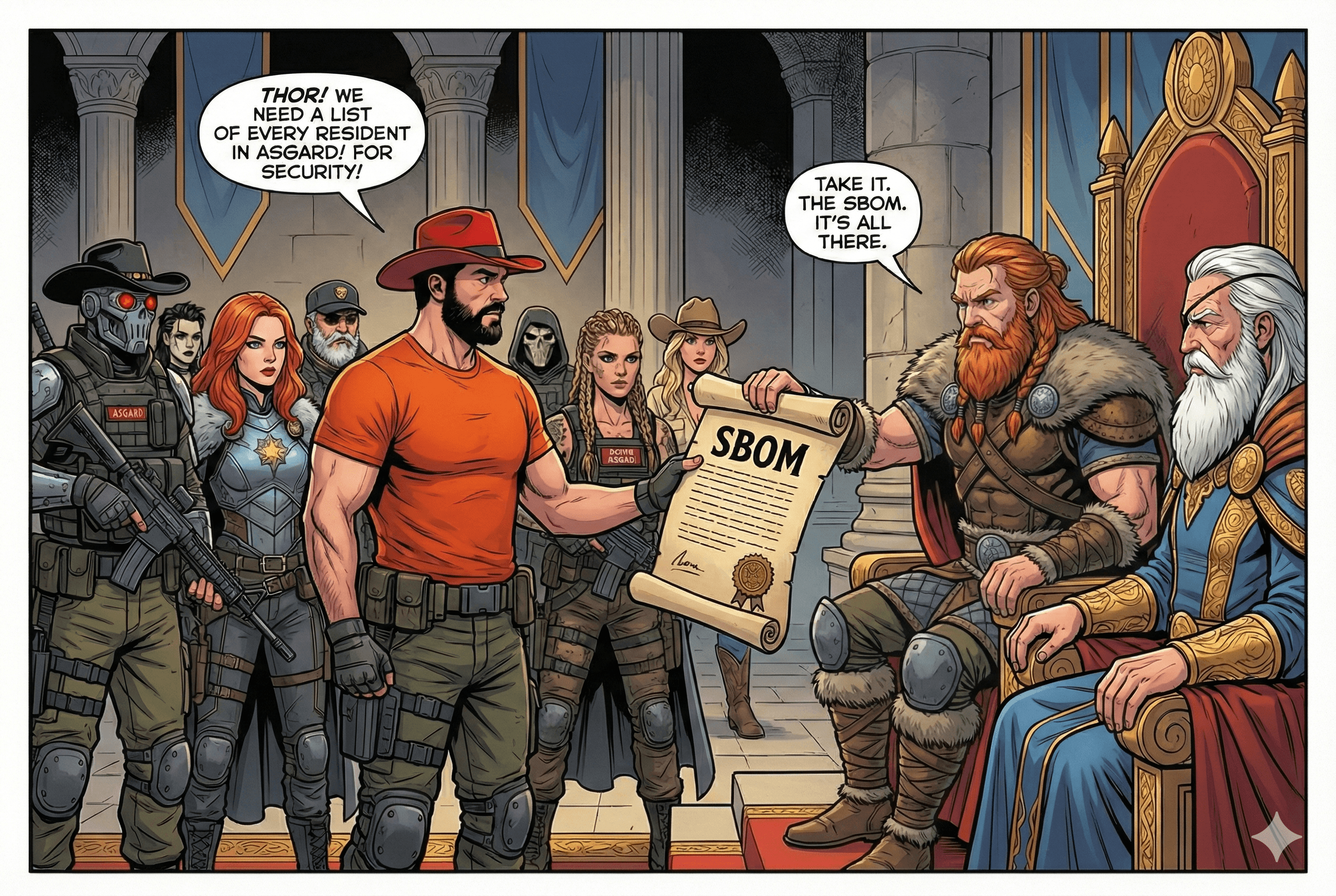
Generating SBOM with Docker Scout
Am I vulnerable? That's the first question a CTO might ask in the case of a new CVE. To answer it, you need to know what's inside your container. SBOM is the word of the day. Especially, since EU Resilience Act makes it mandatory.
containersecurity.dev
3. Hunt the CVEs: Docker Scout and Trivy
Jack, our cybernetic scout, can detect CVEs hiding inside container images.
docker scout cves "$IMAGE"
docker scout cves --only-severity critical,high "$IMAGE"

trivy image --scanners vuln "$IMAGE"
trivy image --scanners vuln --severity CRITICAL,HIGH --exit-code 1 "$IMAGE"
Docker Scout is an enterprise offering, free for personal use. Trivy is an open-source alternative and an industry standard.
The final command returned exit code 1 for this sample because critical/high findings remained. That is a working gate, not a broken demo. Scout initially required Docker authentication; its CVE queries succeeded after login.
Save machine-readable reports with the repository's helper:
# Saves JSON, summarizes findings, and exits 1 if the gate fails.
scripts/scan.sh "$IMAGE" results/baseline-trivy.json
Severity is not the same as exploitability, and malicious software does not necessarily have a CVE. Scanner databases and package matching also differ: the same baseline yielded different totals in Scout and Trivy. Compare images within the same scanner and inspect the affected packages.
4. Include the Build Stage in Your SBOM
The baseline uses a multi-stage build, but --sbom=true alone inventories the final image. Packages used only while compiling the application can disappear from that inventory when the build stage is discarded.
First inspect the baseline's attached SBOM and provenance:
docker buildx imagetools inspect "$IMAGE_REPO:baseline" --format '{{json .SBOM}}' > results/baseline-sbom.json
docker buildx imagetools inspect "$IMAGE_REPO:baseline" --format '{{json .Provenance}}' > results/baseline-provenance.json
Now edit Dockerfile.baseline. Add this argument immediately after the build stage's FROM line:
FROM maven:3.9-eclipse-temurin-21 AS build
ARG BUILDKIT_SBOM_SCAN_STAGE=true
Rebuild under a separate tag so you can compare the two inventories:
docker buildx build --platform linux/amd64 \
  -f Dockerfile.baseline \
  --sbom=true --provenance=mode=max \
  --metadata-file results/baseline-build-sbom-metadata.json \
  --push -t "$IMAGE_REPO:baseline-build-sbom" .

docker buildx imagetools inspect "$IMAGE_REPO:baseline-build-sbom" --format '{{json .SBOM}}' > results/baseline-with-build-sbom.json
The new output includes an additional sbom-build document alongside the runtime SPDX inventory. The argument adds metadata about the packages from earlier stages, and it doesn't mean those packages end up in the final image.
- SBOM: What software was inventoried in the image and covered build stages?
- Provenance: How was the image built, and from which materials?
Use BuildKit secret mounts for credentials. Maximum-level provenance can expose build arguments, so never put secrets in them. An attached attestation is not automatically a trusted cryptographic signature.
Now, how many packages are listed in the SBOM attestations?
Further reading:

The Poisoned Macchiato: Signing Java SBOMs with Cosign
A café, a suspicious espresso, and a lesson in supply chain trust. Learn how to generate BuildKit SBOM attestations for Java images and re-attest them with Cosign as OCI referrers.
containersecurity.dev
5. Harden the Runtime and Measure the Difference
The hardened Dockerfile builds the same source with DHI and copies exactly one executable JAR into the runtime:
# syntax=docker/dockerfile:1
FROM dhi.io/maven:3-jdk21-dev AS build
ARG BUILDKIT_SBOM_SCAN_STAGE=true
WORKDIR /app
COPY pom.xml .
COPY src ./src
RUN mvn -B verify

FROM dhi.io/eclipse-temurin:21-alpine3.23
WORKDIR /app
COPY --from=build /app/target/app.jar /app/app.jar
USER 10001:10001
EXPOSE 8080
ENTRYPOINT ["java", "-jar", "/app/app.jar"]
The POM sets finalName to app, avoiding an ambiguous JAR wildcard. The .dockerignore allowlist excludes keys, local environment files, Git history, and reports from the build context. This follows Docker's Java DHI migration pattern, with explicit tests and a non-root runtime user.
docker buildx build --platform linux/amd64 \
  --sbom=true --provenance=mode=max \
  --metadata-file results/hardened-build-metadata.json \
  --push -t "$IMAGE_REPO:hardened" .

scripts/smoke-test.sh "$IMAGE_REPO:hardened"
# Also returns 1 for the recorded sample:
scripts/scan.sh "$IMAGE_REPO:hardened" results/hardened-trivy.json
python3 scripts/summarize-scans.py results/baseline-trivy.json results/hardened-trivy.json
Observed results: 13 October 2026
Both final application images use Spring Boot 4.0.8 and Java 21 on linux/amd64. These are Trivy 0.75.0 vulnerability records, grouped by scan target; totals are not counts of unique CVE IDs across all packages.
| Scan target | Baseline: eclipse-temurin:21-jre | Hardened: dhi.io/eclipse-temurin:21-alpine3.23 |
|---|---|---|
| OS packages | 0 critical, 0 high, 40 medium, 4 low | No findings |
| Java dependencies | 3 critical, 5 high, 2 medium | 3 critical, 5 high, 2 medium |
Other detected binary (pebble) | 3 high, 5 medium, 1 low, 4 unknown | Not present as a scan target |
Docker Scout 1.20.3 reported 5 critical / 13 high / 2 medium / 3 unspecified for the baseline and 3 critical / 5 high / 2 medium for the hardened image. Those are separate scanner observations, not interchangeable with the Trivy counts.
The original Spring Boot 4.0.5 sample had 9 critical / 18 high / 20 medium / 6 low Java findings in Trivy. Updating to 4.0.8 reduced those findings, but did not eliminate them. The remaining Java findings implicated Tomcat and Jackson dependencies. Review the report's fixed-version guidance, update the application dependencies, rerun tests, and rescan before promotion.
Check VEX Before Comparing Scanners
VEX (Vulnerability Exploitability eXchange) records whether a particular vulnerability affects a product. Docker Scout automatically applies DHI VEX statements; Trivy needs VEX enabled, and Grype can consume an exported VEX file. This can explain differences in reported CVEs without any change to the image. See Docker’s VEX-aware scanning instructions.
For an optional, separate Java 8 base-image example:
docker scout cves dhi.io/eclipse-temurin:8-alpine3.23

# Configure and download the DHI VEX repository first (see linked instructions).
trivy image --scanners vuln --vex repo dhi.io/eclipse-temurin:8-alpine3.23

# Grype needs the matching VEX document, mentioning it here just for the sake of completeness.
docker scout vex get dhi.io/eclipse-temurin:8-alpine3.23 --output vex.json
grype dhi.io/eclipse-temurin:8-alpine3.23 --vex vex.json
For Trivy, enable the docker-hardened-images/advisories repository in its VEX configuration and download it before using --vex repo. Review applicable VEX statements; suppression is an assessment of affectedness, not a dependency fix.
The recorded Trivy scans above did not enable VEX. However, the hardened application's totals matched between Scout and Trivy; the observed difference was in the non-DHI baseline. We have not established VEX as the cause of that difference. These optional Java 8 commands are documentation examples, separate from the tested Java 21 sample.
Both images passed the HTTP smoke test. In the recorded comparison, with build-stage scanning enabled, the runtime SBOM contained 192 packages for the baseline and 47 for the hardened image; the separate build-stage inventories contained 396 and 377, respectively. The starting baseline omits the argument; adding it in the preceding exercise enables that extra inventory. These counts come from BuildKit's SPDX documents, not a promise that different scanners produce identical inventories.
The results report records image digests, versions, and evidence.

Docker Hardened Images are Free
Docker Hardened Images are now open-source under Apache 2.0 license and free to use in your projects.
containersecurity.dev
6. Sign Before You Trust: Cosign
Evie is the Commando responsible for cryptographic signatures. Use the immutable digest returned by the build, rather than a mutable tag:
export DIGEST_IMAGE="$IMAGE_REPO@$(python3 -c 'import json; print(json.load(open("results/hardened-build-metadata.json"))["containerimage.digest"])')"
mkdir -p .demo-keys
cosign generate-key-pair --output-key-prefix .demo-keys/cosign
cosign sign --key .demo-keys/cosign.key "$DIGEST_IMAGE"
cosign verify --key .demo-keys/cosign.pub "$DIGEST_IMAGE"

# Scan the same immutable artifact; this sample still fails the gate.
trivy image --scanners vuln --severity CRITICAL,HIGH --exit-code 1 "$DIGEST_IMAGE"
Cosign 3.1.3 successfully verified the signature, claims, and transparency-log inclusion. The vulnerability gate still returned 1. A signed image can contain known vulnerabilities.
Keep the private key out of Git; the sample ignores .demo-keys/ and *.key. Enter a key password interactively and use a disposable key for rehearsal. Default signing publishes signature metadata and the public key to a transparency log. Production verification needs a trusted signing policy, not an arbitrary public key supplied alongside an image.
One rehearsal pitfall: Cosign 3.1.3 rejected --tlog-upload=false with its default signing configuration. The successful run used standard signing and verification, without bypassing transparency-log checks.
7. SIP It Before You Ship It
The Shai-Hulud family illustrates why scanning a final image is not enough: malicious packages can target developers and CI before an image exists. AI coding agents are another environment with access to code, tools, and potentially credentials.
SIP: Security Immediate Plan ties the controls together:
- Sandbox agents. Isolate execution and restrict credentials, network access, and mounted directories.
- Lock down dependencies. Manage Maven dependency and plugin versions, inspect the resolved tree, and review updates. Gradle and npm projects need their own locking and install policies; this Maven sample does not exercise those tools.
- Harden builds. Keep compilers and build tools in the build stage, and run the final image without root privileges.
- Attest. Generate SBOM and provenance, including relevant build stages.
- Scan before promotion. Scan the exact digest, enforce your vulnerability policy, and verify trusted signatures before deployment.
Sandbox → Lock → Harden → Attest → Scan. No single scanner, image, or signature secures the entire supply chain. For agent isolation and ecosystem-specific dependency controls, see the full SIP implementation.
When finished, remove the dedicated local registry and its temporary data:
docker rm -f dockerize-java-demo-registry
Keep Learning: Articles and Tutorials
- Generating SBOM with Docker Scout — inspect and export software inventories.
- The Poisoned Macchiato — Java SBOM attestations, Cosign, and OCI artifacts.
- Docker Hardened Images are Free — hardened base images and vulnerability comparisons.
- The Shai-Hulud Family — taxonomy of modern supply chain worms.
- Docker Sandbox Kits: A Hands-On Tutorial — agent isolation and capability controls.
- Black Forest Commandos: Asgard Mission DIY — a longer, hands-on version of the Commandos' mission.
Official Documentation
- Docker Scout SBOM CLI
- Docker Scout CVE CLI
- Docker BuildKit SBOM attestations
- Docker BuildKit provenance
- Trivy
- Sigstore Cosign
- Docker Sandboxes
Meet the Black Forest Commandos in My Books
Docker and Kubernetes Security
My practical guide to securing containerized applications, from software supply chains and CI/CD to Kubernetes hardening and runtime security.
The origin story of Gord, Rothütle, Evie, and the CVE monsters, set in the Black Forest in 1865.
Black Forest Commandos: Asgard Mission
The graphic novel behind the Commandos' adventure in Asgard. The story expands the mythology used in my talks and workshops.
You can also meet the entire team and explore their missions.
A Swiss Break: Play Jass
Take a break with the Commandos in Swiss Jass: Commandos Edition, a themed take on the Swiss card game:
- Play Jass in your browser.
- Get Swiss Jass: Commandos Edition on Google Play.
- Read the story behind the game.
SIP it before you ship it.
Mohammad-Ali A'râbi — Docker Captain, author, and creator of the Black Forest Commandos.
Results are a dated snapshot from the linked sample. Review versions, permissions, and security policies and rerun the checks before production use.