Black Forest Commandos: Asgard Mission DIY v1.5.2
Hands-on workshop materials for the 10 Black Forest Commandos in Asgard v1.5.2. Covering secure initialization, SBOM generation via Scout, Attestations, Hardened Images, VEX exemptions, Docker Bake, Cosign signing, and Zero-Day defense.
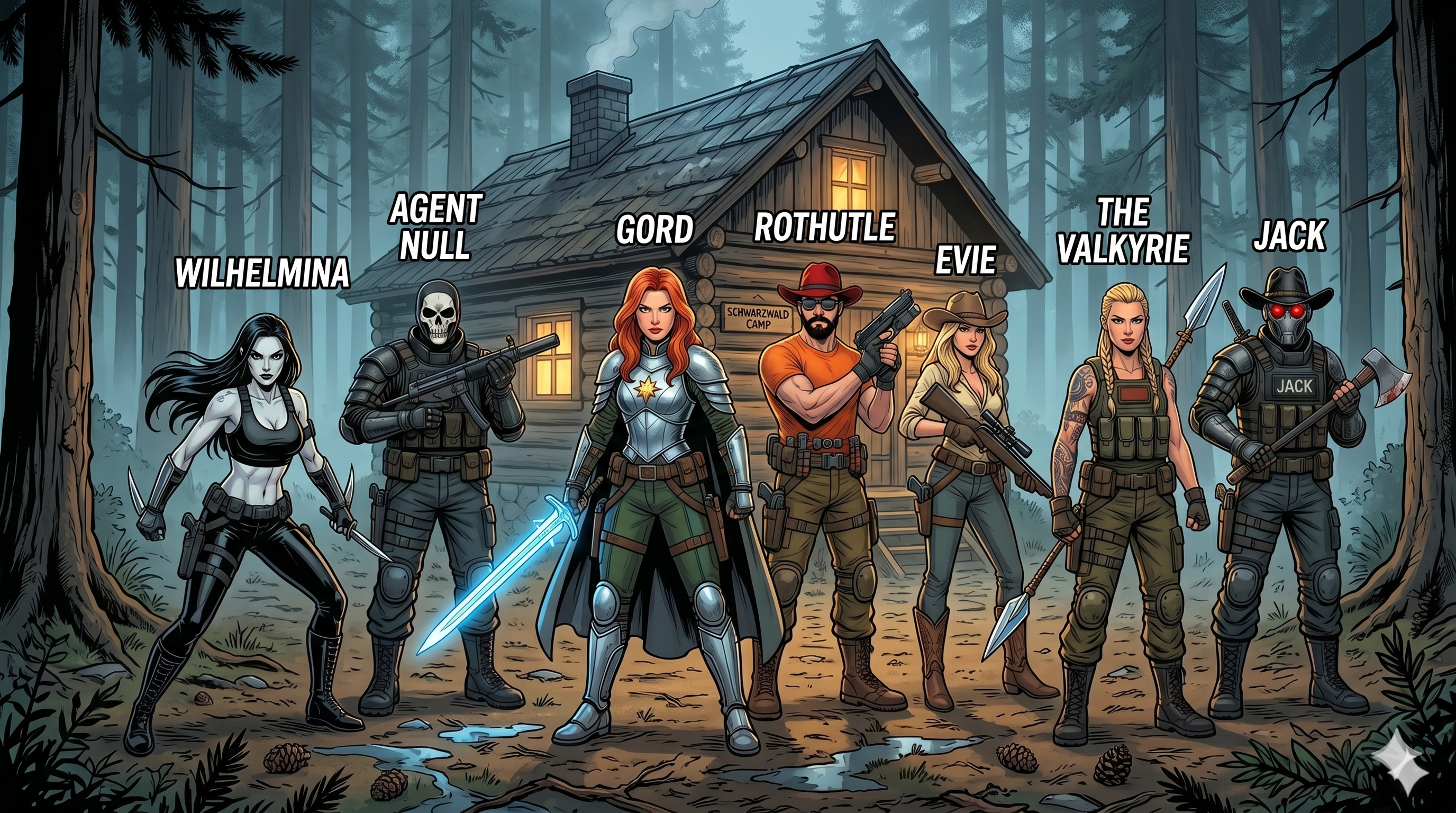
Black Forest Commandos (formerly known as Docker Commandos) is a narrative-driven education framework for teaching modern Docker security through story, visuals, and hands-on exercises. A team of ten fictional commandos—each paired with a terminal command or feature—guide participants through a mission. Some of the characters are from the book Black Forest Shadow, while others are new additions to the Commandos universe. You can read about different Commandos in the wiki or under the dedicated Commandos section. The full backstory is here: Black Forest Commandos Backstory: From Narrative to Hands-On Learning.
This is v1.5.2 (Asgard Mission), updating the pipeline with modern toolchains. The Commandos return to Asgard with an enhanced mission: building a full supply-chain security pipeline from scratch using docker scout sbom, BuildKit multi-stage SBOM generation, OCI Referrers, Docker Bake, Cosign cryptographic signing, and Zero-Day runtime defense.
Key Takeaways
- Comprehensive workshop guide for building a secure software supply chain with Docker.
- Covers modern tools including docker scout sbom, SBOM/provenance attestations, and Docker Hardened Images.
- Practical tutorials on systematic builds with Docker Bake and cryptographic signing of images and SBOM attestations with Cosign.
- Strategies for zero-day defense and reducing security alert noise using VEX exemptions.
This page contains the workshop materials. The workshop covers the following topics:
- 1️⃣ Docker Init
- 2️⃣ SBOM
- 3️⃣ Scout
- 4️⃣ SBOM Attestations
- 5️⃣ Hardened Images
- 6️⃣ Exempted CVEs
- 7️⃣ VEX Attestations
- 8️⃣ Docker Bake
- 9️⃣ Cosign
- 0️⃣ Zero-Day Defense
The Commandos

Meet your team:
- 1️⃣ Gord ⚔️ - The swordmaster
- 2️⃣ Rothütle 🎩 - The tactician
- 3️⃣ Jack 🤖 - The cyborg soldier
- 4️⃣ The Valkyrie 🛡️ - The identity specialist
- 5️⃣ Artemisia ⚓ - The Amazonian naval commander
- 6️⃣ Wilhelmina (Mina) 🧛♀️ - The undead assassin
- 7️⃣ RuinTan 💀 - The immortal who fell in battle and rose in Asgard
- 8️⃣ Captain Ahab 🐋 - The veteran commander from the land of the whales
- 9️⃣ Evie 🤠 - The cowgirl and sharpshooter
- 0️⃣ Agent Null 🎭 - The masked hunter
Command Dependencies
Setup: DIY Workshop with Docker Labspace
Recommended setup:
- Docker Desktop with Labspace extension installed (for the most guided experience)
- containerd enabled on Docker Desktop (for SBOM generation)
- ports 3000 and 3030 available on your machine
If you have Docker Desktop with Labspace extension installed, you can launch the workshop directly in your browser using the following link: Run as Docker Labspace.
Alternatively, you can run the Labspace from the OCI artifact:
docker compose -f oci://docker.io/aerabi/docker-commandos-labspace up -d
Then open your browser at http://localhost:3030.
Prologue: The Attack on Asgard
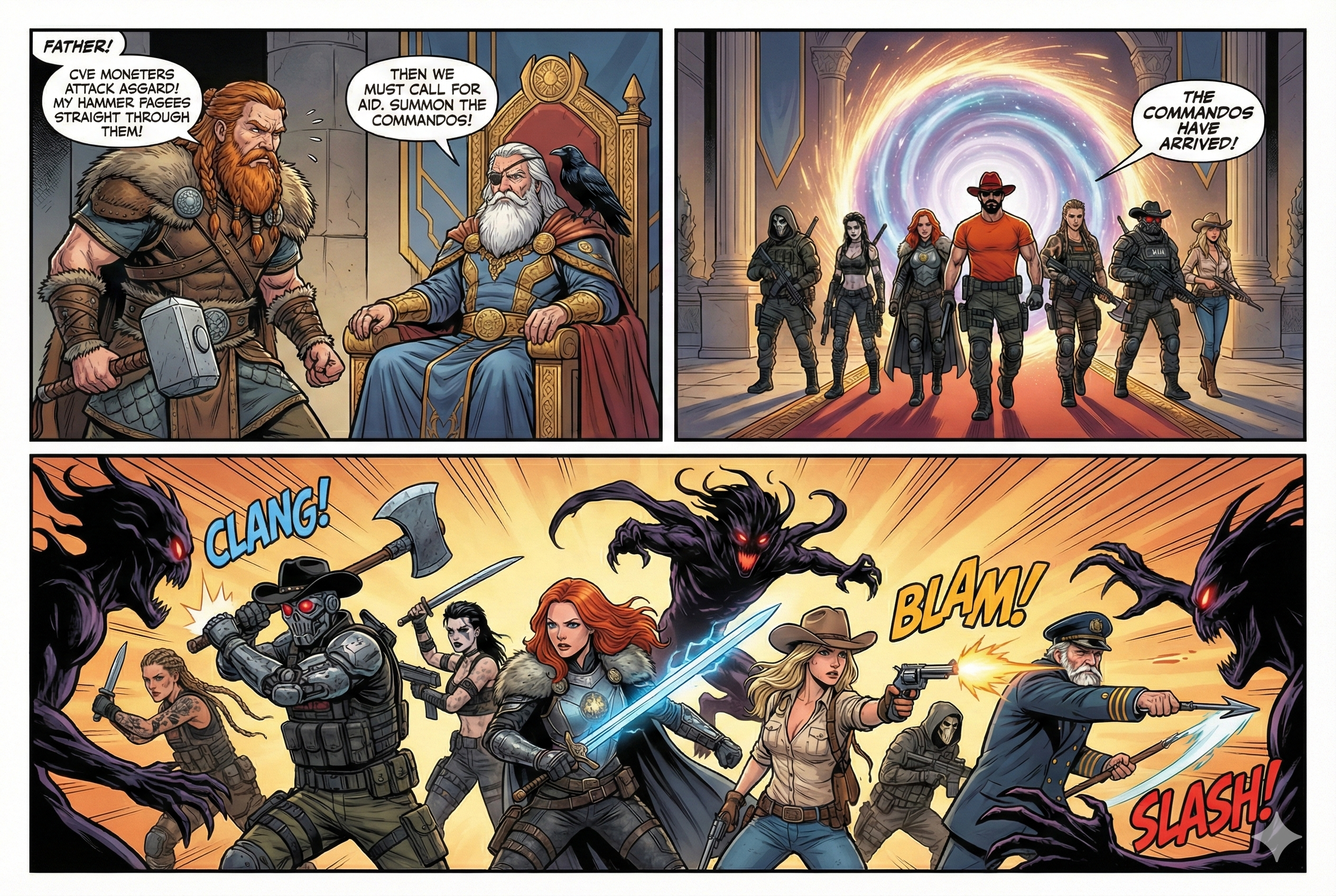
Thor enters Odin's chamber hastily, "Father, Asgard is under attack! Shadow monsters called CVEs are in Asgard and my hammer Mjolnir can't destroy them!" Odin looks at him calmly, "Summon the Commandos!"
Commando 1. Docker Init
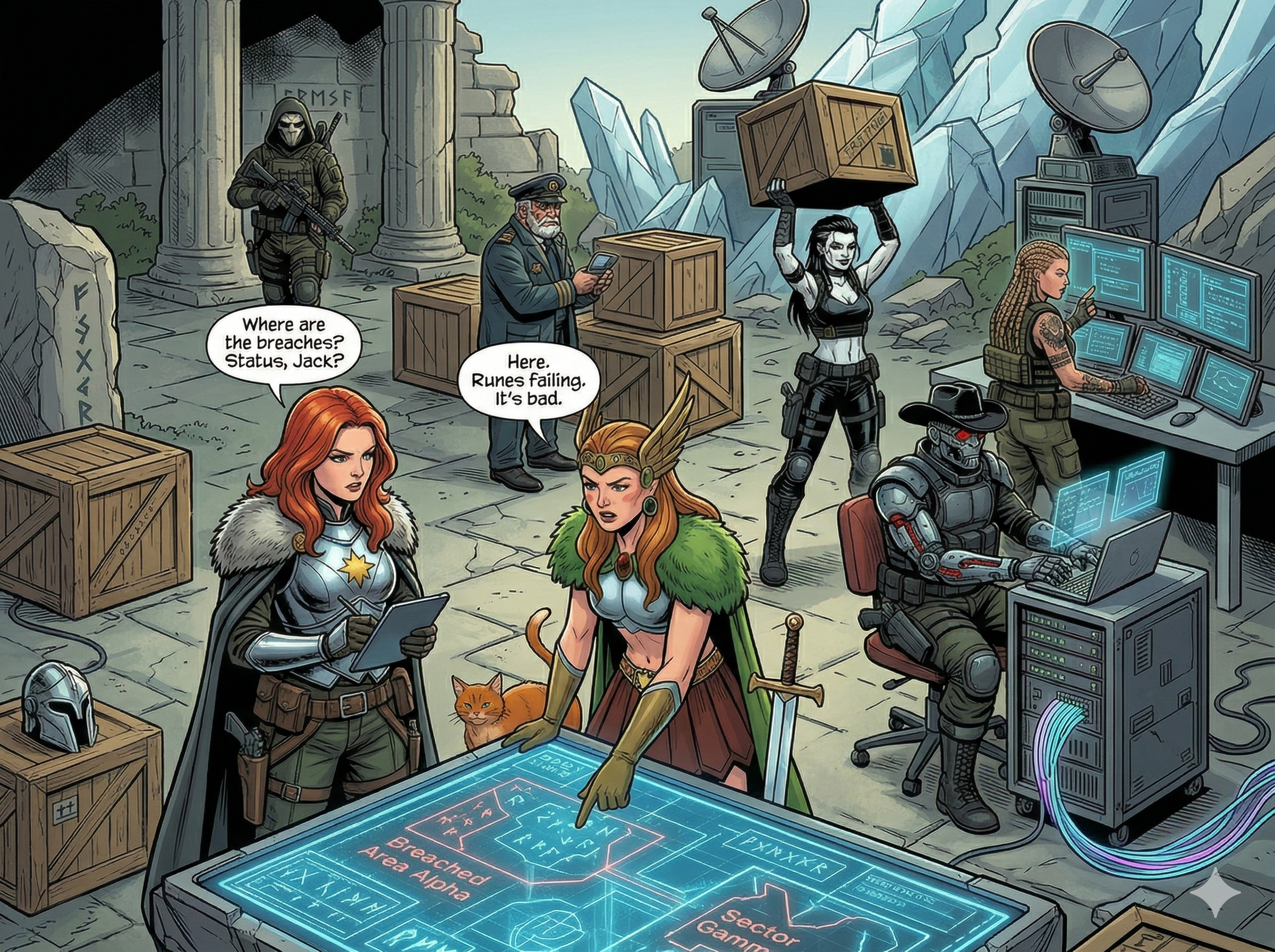
Mission: Black Forest Commandos arrive at Asgard and initiate their mission to contain the outbreak. Gord orders, "Set up a command center for us". Valkyrie and Agent Null start setting up the command center, while Jack and Evie secure the perimeter.
Real-world context: Docker Init creates secure, production-ready Dockerfiles using established best practices, reducing the likelihood of security misconfigurations from day one.
Main article: Dockerize Java 26 with Docker Init
Docker Init initializes a Docker project with a Dockerfile and other necessary configuration files:
Dockerfilecompose.yaml.dockerignoreREADME.Docker.md
Usage
Go to the flask directory and start the application using Docker Compose:
cd flask
docker compose up
The application will be available at http://localhost:8000.
[!NOTE] After running
docker compose up, the logs might show an error:Control server error: [Errno 13] Permission denied: '/nonexistent'. This is expected because the control server is trying to write to a directory that doesn't exist in the container. You can ignore this error and still access the application.
After the build, a docker image is built with the tag flask-server:latest. You can verify it using:
docker images
[!NOTE] The files in the
flaskdirectory were pre-created bydocker initfor the Labspace experience. On your local machine, you can navigate to theflask-uninitdirectory and rundocker initto generate these files from scratch.
Commando 2. SBOM
Mission: Rothütle asks Thor for a list of all Asgard residents. Now the Commandos can cross-reference with the CVE database to identify which residents are CVEs.
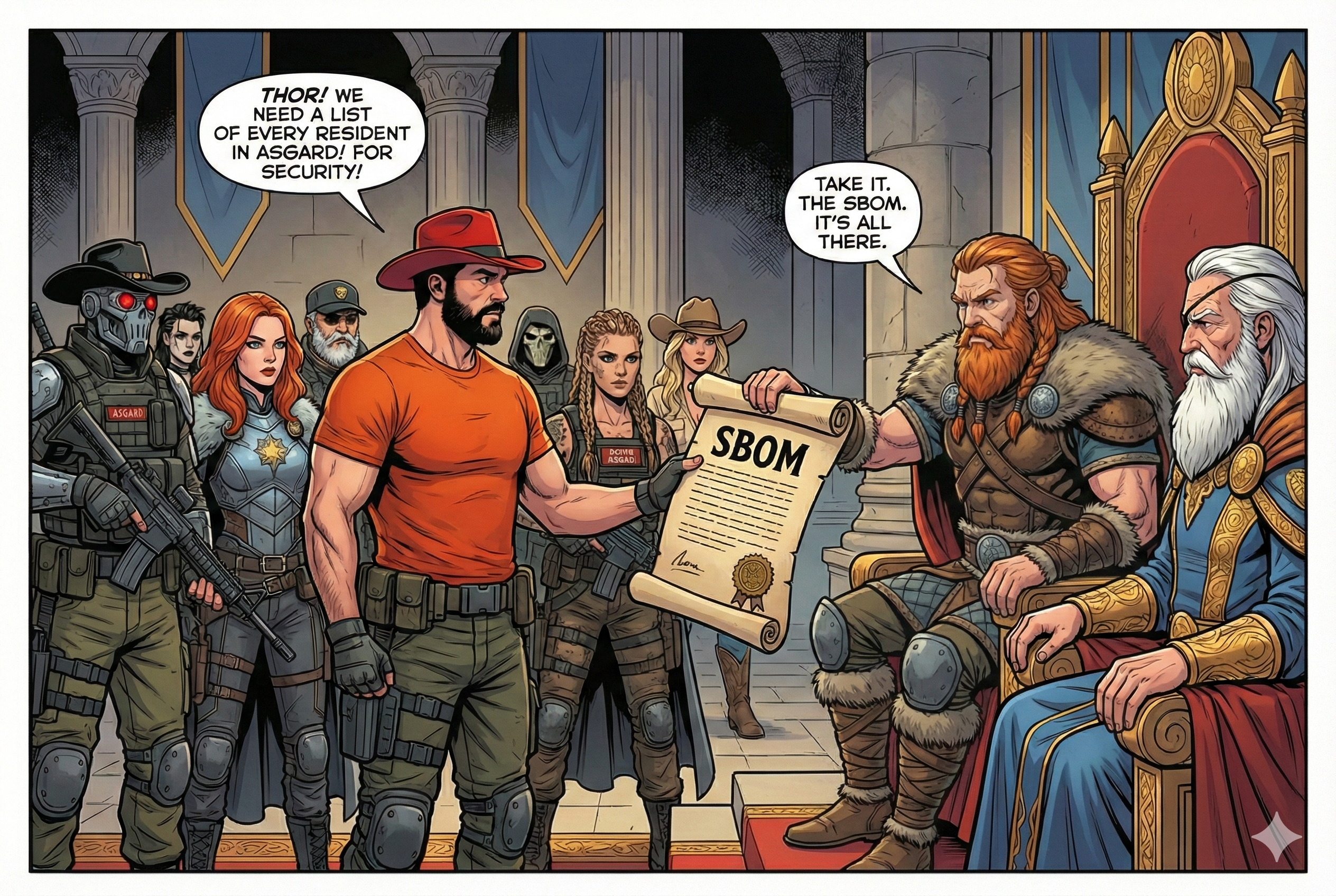
Real-world context: SBOM (Software Bill of Materials) lists all components, libraries, and dependencies in your software. Essential for identifying vulnerabilities in your supply chain.
In v1.5.2, we migrate away from the deprecated docker sbom wrapper command and use the modern, integrated docker scout sbom engine.
Usage
In the previous step, we built the image flask-server:latest. Let's inspect the SBOM in a tabular list format:
docker scout sbom flask-server:latest --format list
To export the SBOM to a standardized SPDX JSON file:
docker scout sbom flask-server:latest --format spdx --output sbom.spdx.json
You can investigate the generated file to see all packages, licenses, and versions:
jq . sbom.spdx.json | less
Exercises
- 2.1. Use
docker scout sbom --helpto check available formats. Export the SBOM in a different format (like CycloneDX) and compare it with the SPDX output. - 2.2. Compare package density in base images:
versus:docker scout sbom node:25 --format listdocker scout sbom node:25-alpine --format list
Commando 3. Scout
Mission: Gord orders Jack, Agent Null, and Mina to scout the remaining districts of Asgard for hidden CVEs. "Let's hunt some CVEs!" says Null.

Real-world context: Docker Scout analyzes your images for vulnerabilities by cross-referencing the SBOM with CVE databases, providing actionable security intelligence.
Usage
To scan the image for vulnerabilities, run:
docker scout cves flask-server:latest
You can also check the vulnerabilities using the Docker Desktop UI by going to the Images tab, selecting the image, and clicking on Scout.
Try comparing base images:
# Standard Node image
docker scout cves node:25

# Alpine Node image
docker scout cves node:25-alpine
CVEs for Multi-Stage Builds
Go to the C++ example directory and build the image:
cd ~/project/cpp
docker build -t cpp-hello .
Then check the CVEs:
docker scout cves cpp-hello
The output will show that Scout has indexed 0 packages. This is because the final stage is built FROM scratch and has no packages, so the SBOM generated for the final stage is empty.
Exercises
- 3.1. Build an application with an old base image (e.g.,
node:14) and compare Scout results with newer versions. - 3.2. Use the
--detailsflag to get more information about specific vulnerabilities.
Commando 4. SBOM Attestations
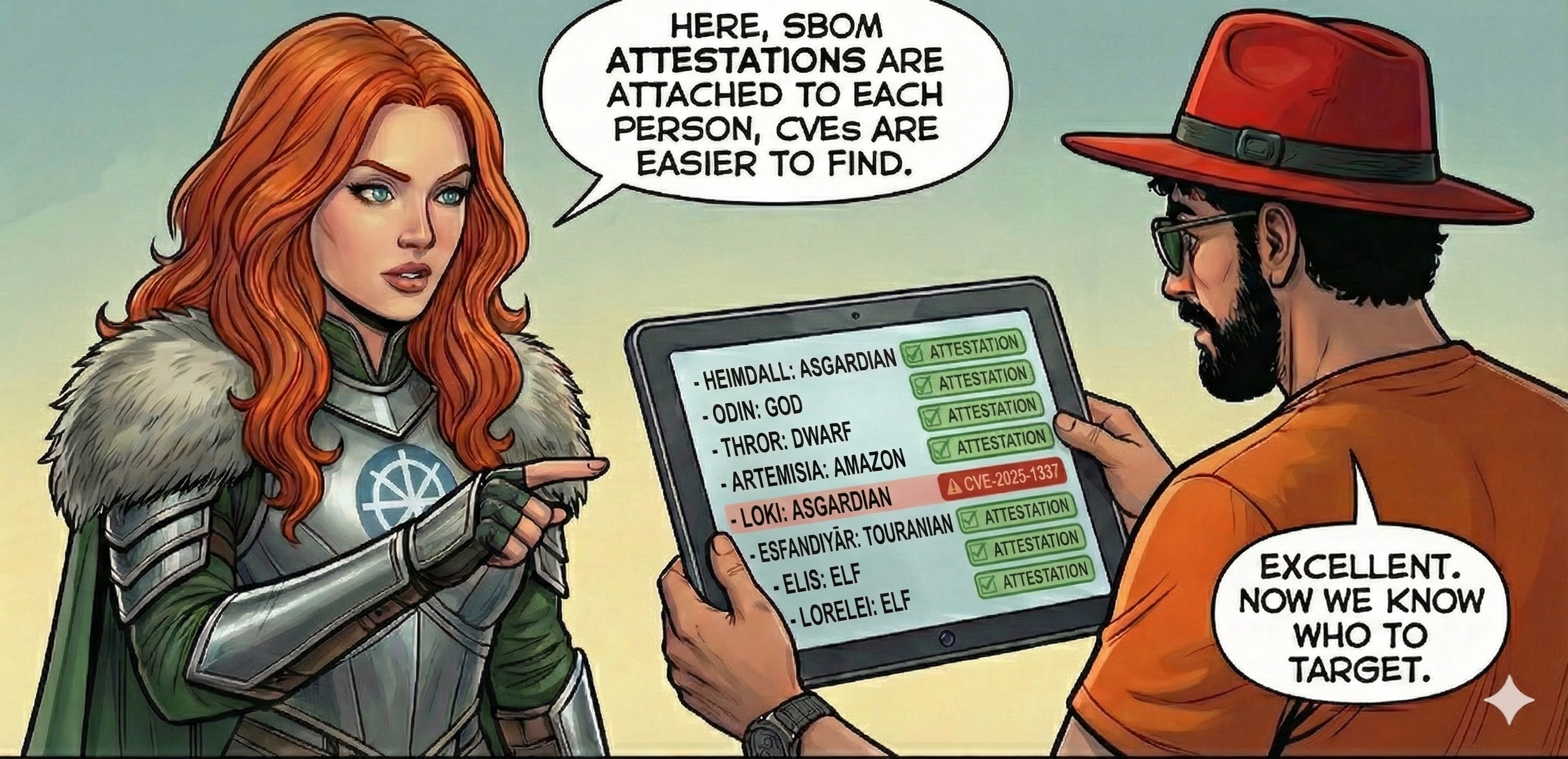
Mission: The Valkyrie sets up a camera with face recognition and says, "I can generate an ID card for everyone in Asgard, and attach it to their database face record. That way, we can verify their identity at the checkpoints."
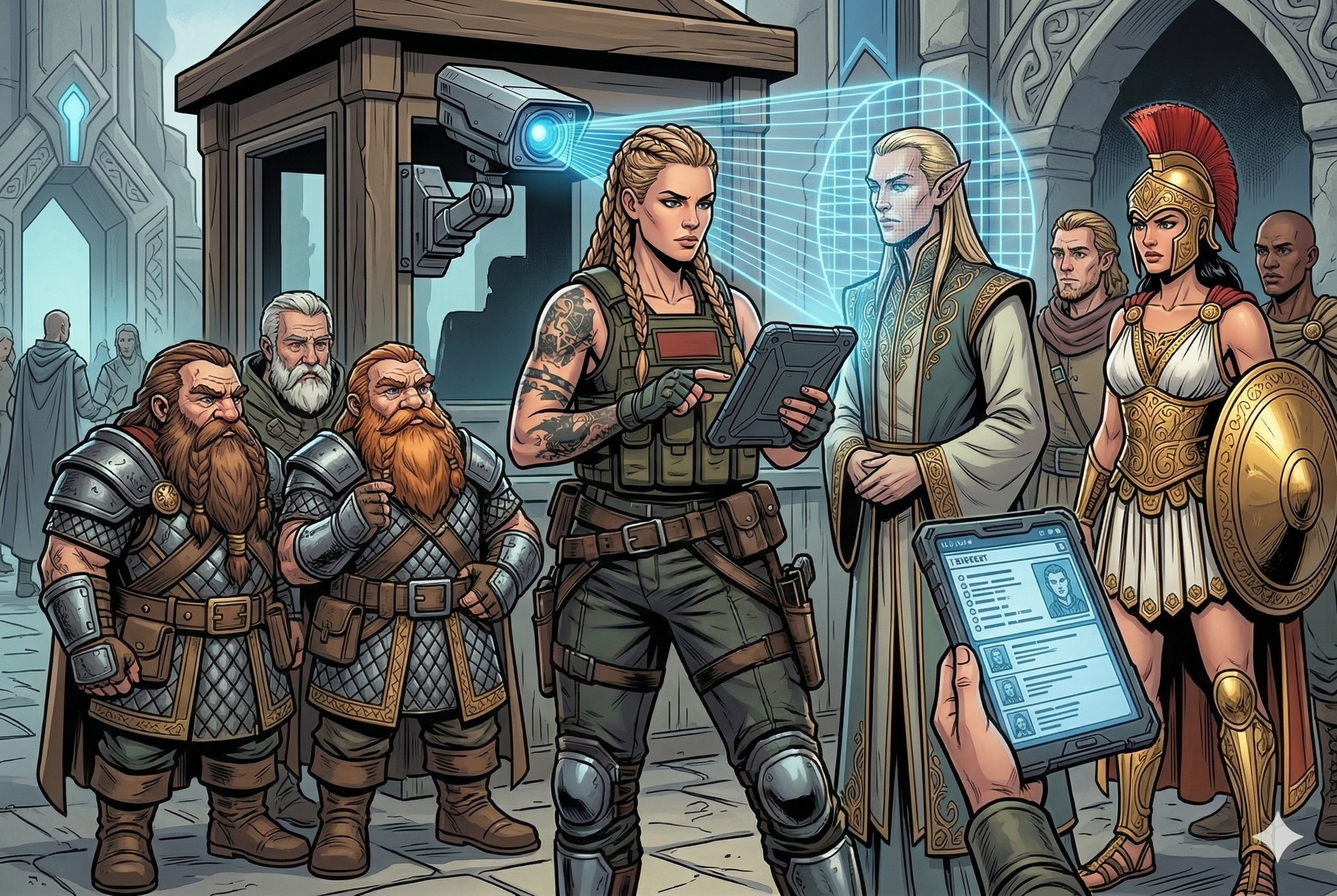
Real-world context: SBOM attestations are SBOMs generated during build time and cryptographically signed, providing tamper-proof component information that travels with your image.
To ensure build-stage dependencies are documented in the SBOM when using multi-stage builds (like C++ FROM scratch outputs), we must use build-time attestations.
Usage
Make sure you're in the C++ directory:
cd ~/project/cpp
Build the image with build-time SBOM attestations enabled:
docker buildx build --sbom=true -t cpp-hello:with-sbom .
If we check the CVEs now:
docker scout cves cpp-hello:with-sbom
It will say SBOM obtained from attestation, 0 packages found because the scan stage wasn't enabled. To include the build stage packages in the SBOM, add the following line to the beginning of your Dockerfile (before the first FROM statement):
ARG BUILDKIT_SBOM_SCAN_STAGE=true
Rebuild the image with the flag enabled:
docker buildx build --sbom=true -t cpp-hello:with-build-stage .
Check the SBOM attestations again:
docker scout cves cpp-hello:with-build-stage
It should now report: SBOM obtained from attestation, 208 packages found.
Exercises
- 4.1. Export the BuildKit SBOM locally by setting the output format to
local:docker buildx build \ --sbom=true \ --output type=local,dest=out .
Commando 5. Docker Hardened Images
Mission: The Commandos reach the golden gates of a heavily fortified district. Thor says, "This district is heavily fortified, no CVE can get in here." The district is guarded by Hardened Warriors led by Artemisia, who says "I know how to recognize CVEs, I will join you."
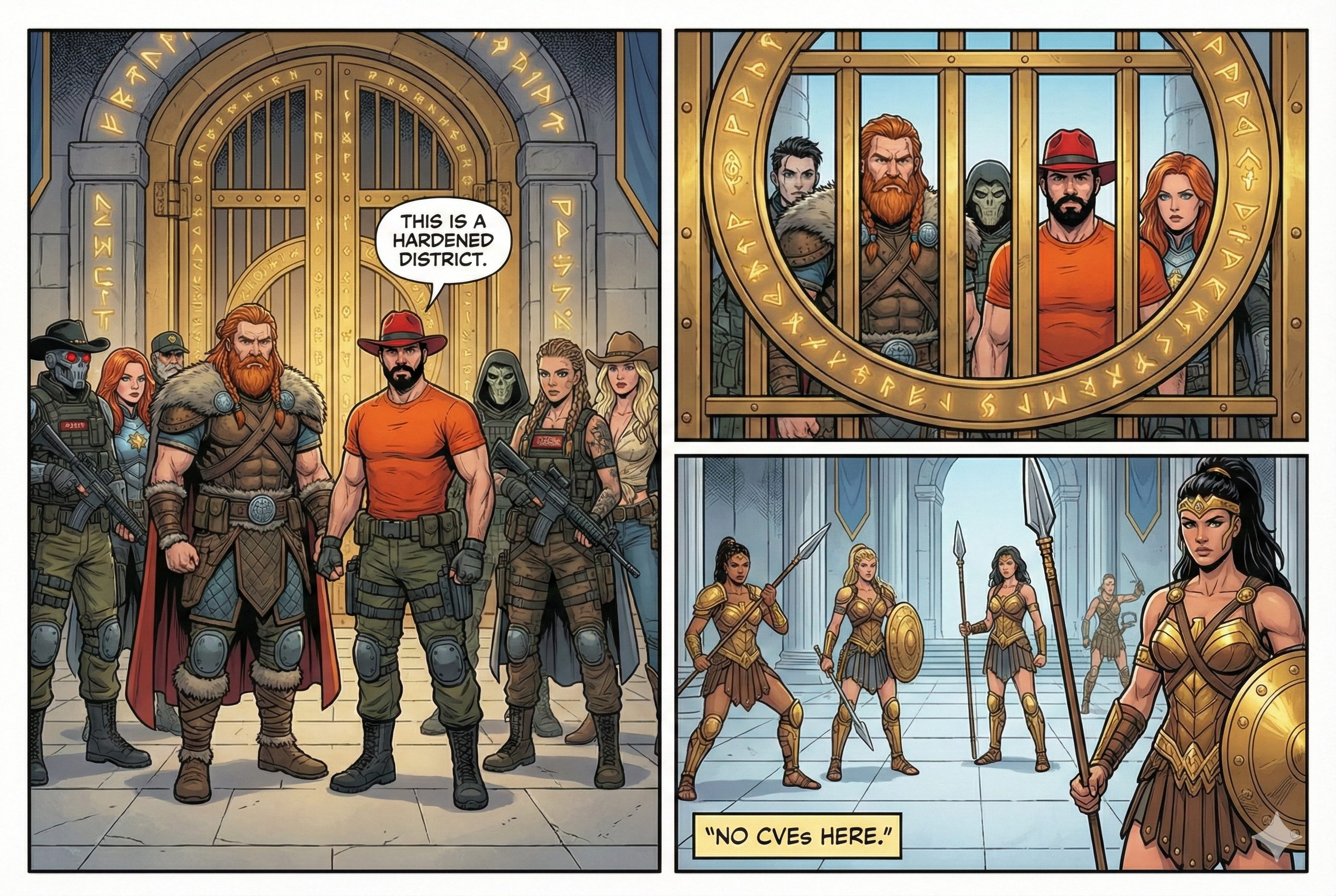
Real-world context: Docker Hardened Images (DHI) are near-zero-CVE base images maintained by Docker, providing a more secure foundation with dramatically reduced attack surface.
Docker Hardened Images are freely available at dhi.io.
Usage
Compare standard and hardened Node base images to observe the security improvement:
# Standard Node image
docker scout cves node:25
# Hardened Node image
docker scout cves dhi.io/node:25
At the time of writing, the hardened Node image has 0 CVEs.
In your Flask application's Dockerfile, replace the standard Python base image:
# Standard image
FROM python:${PYTHON_VERSION}-slim AS base
with the FIPS-compliant hardened alternative:
# Hardened Alpine-based Python image
FROM dhi.io/python:${PYTHON_VERSION}-alpine3.23-fips-dev AS base
Rebuild and run the application to verify it still functions correctly:
docker compose up --build
Exercises
- 5.1. Audit your current base image usage and calculate CVE reduction potential with hardened images.
- 5.2. Build the same application with standard and hardened base images, compare Scout results.
Commando 6. The Exempted CVEs
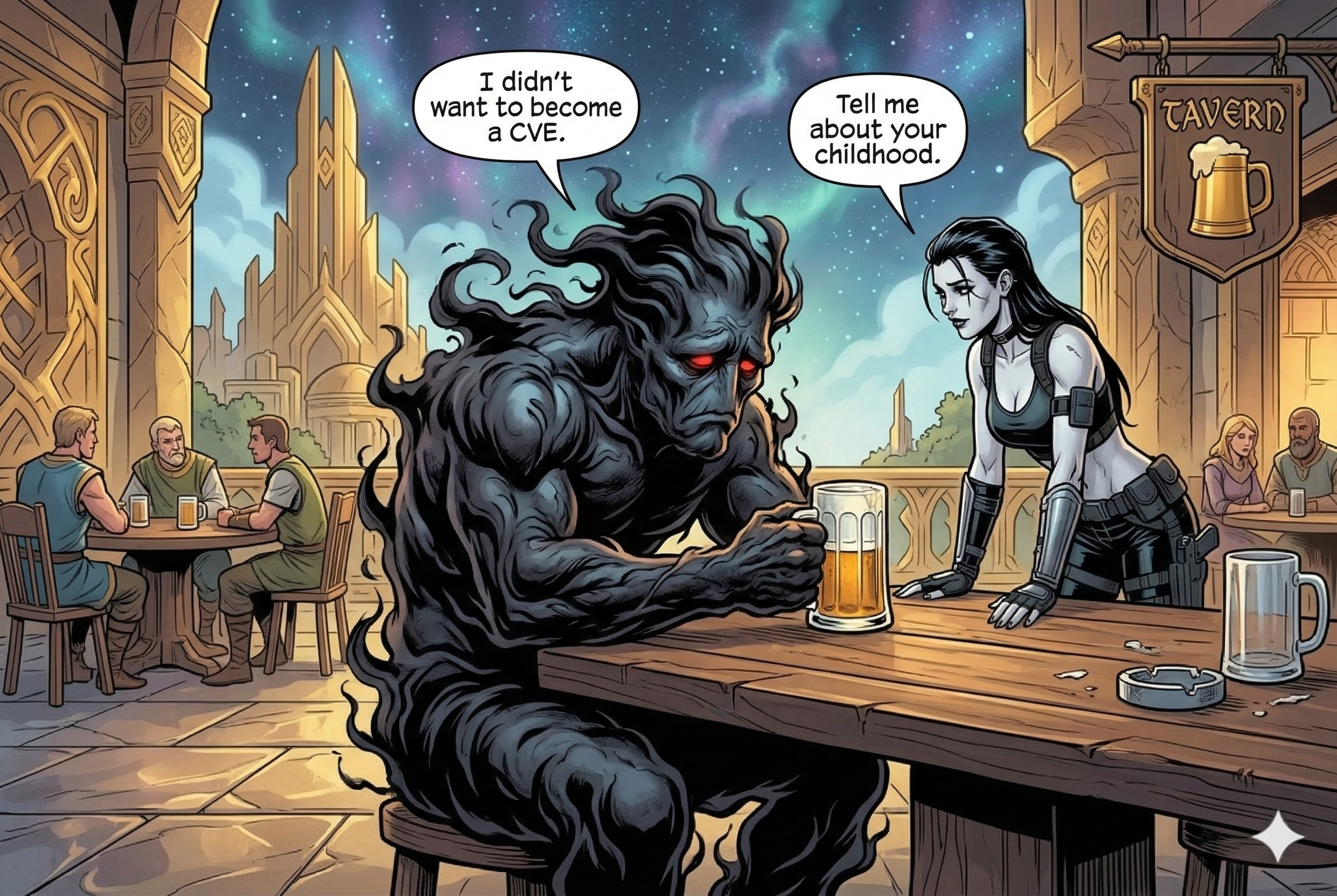
Mission: Mina is patrolling the district and finds a CVE that seems to be depressed. "This CVE is not a threat to us, it can be exempted from our extermination list," says Mina to herself.
Real-world context: Not all CVEs are exploitable in your specific context. VEX (Vulnerability Exploitability eXchange) allows you to mark CVEs as not applicable to reduce alert noise and focus on real threats.
VEX is a standardized format for communicating the exploitability of vulnerabilities in software components.
Usage
Go back to the flask directory:
cd ~/project/flask
Check the vulnerabilities in the flask-server image:
docker scout cves flask-server
Identify a CVE such as CVE-2025-45582 (which impacts tar). Let's create a local VEX statement claiming that this CVE does not affect our application because the vulnerable code is not in the execution path:
vexctl create \
--author="mohammad-ali@aerabi.com" \
--product="pkg:docker/flask-server@latest" \
--subcomponents="pkg:deb/debian/tar@1.35+dfsg-3.1" \
--vuln="CVE-2025-45582" \
--status="not_affected" \
--justification="vulnerable_code_not_in_execute_path" \
--file="CVE-2025-45582.vex.json"
Apply this VEX statement locally during your Scout scan:
mkdir vex-statements
mv CVE-2025-45582.vex.json vex-statements/
docker scout cves flask-server --vex-location ./vex-statements
The CVE will now be flagged in the report as not affected [vulnerable code not in execute path].
Commando 7. VEX Attestation
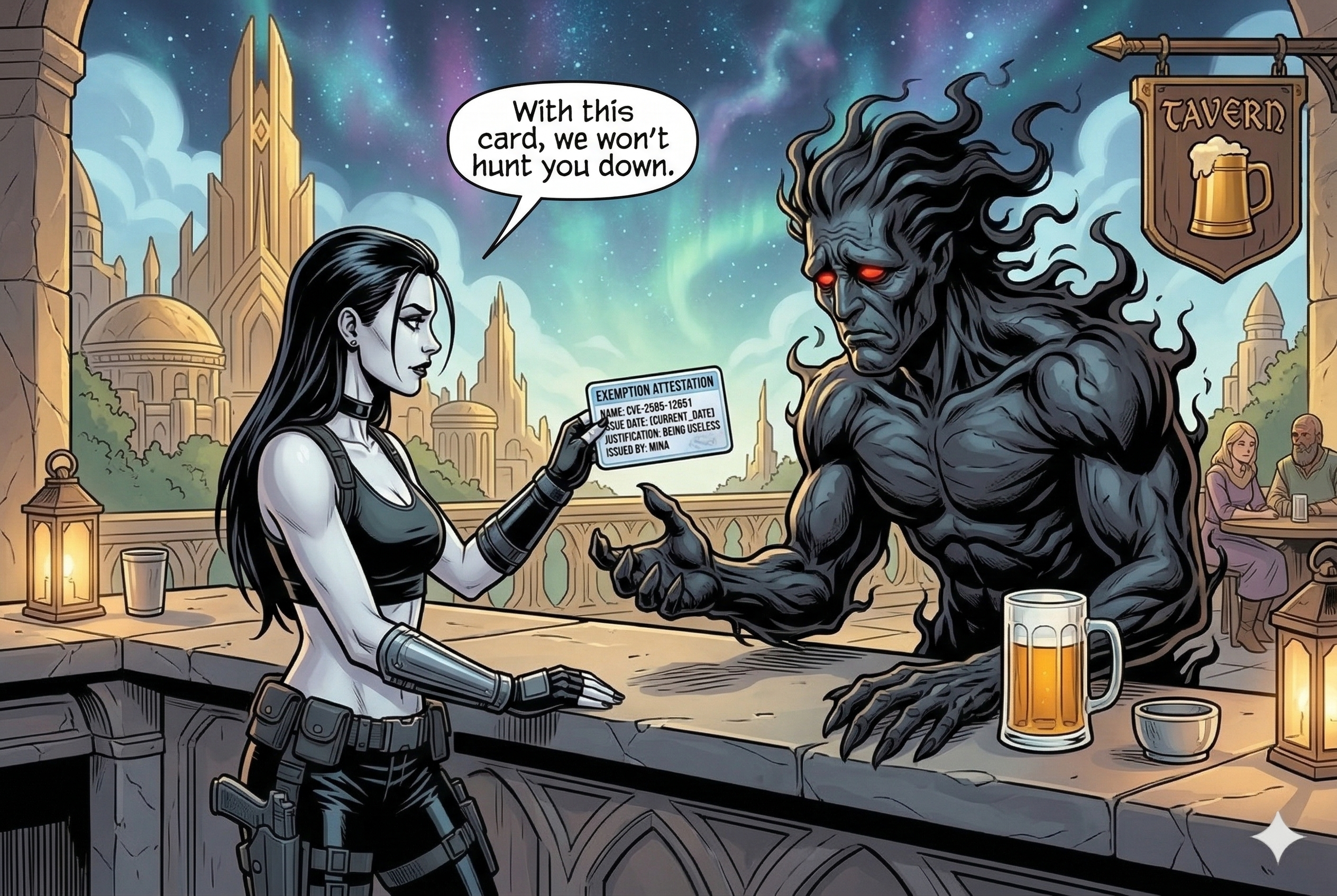
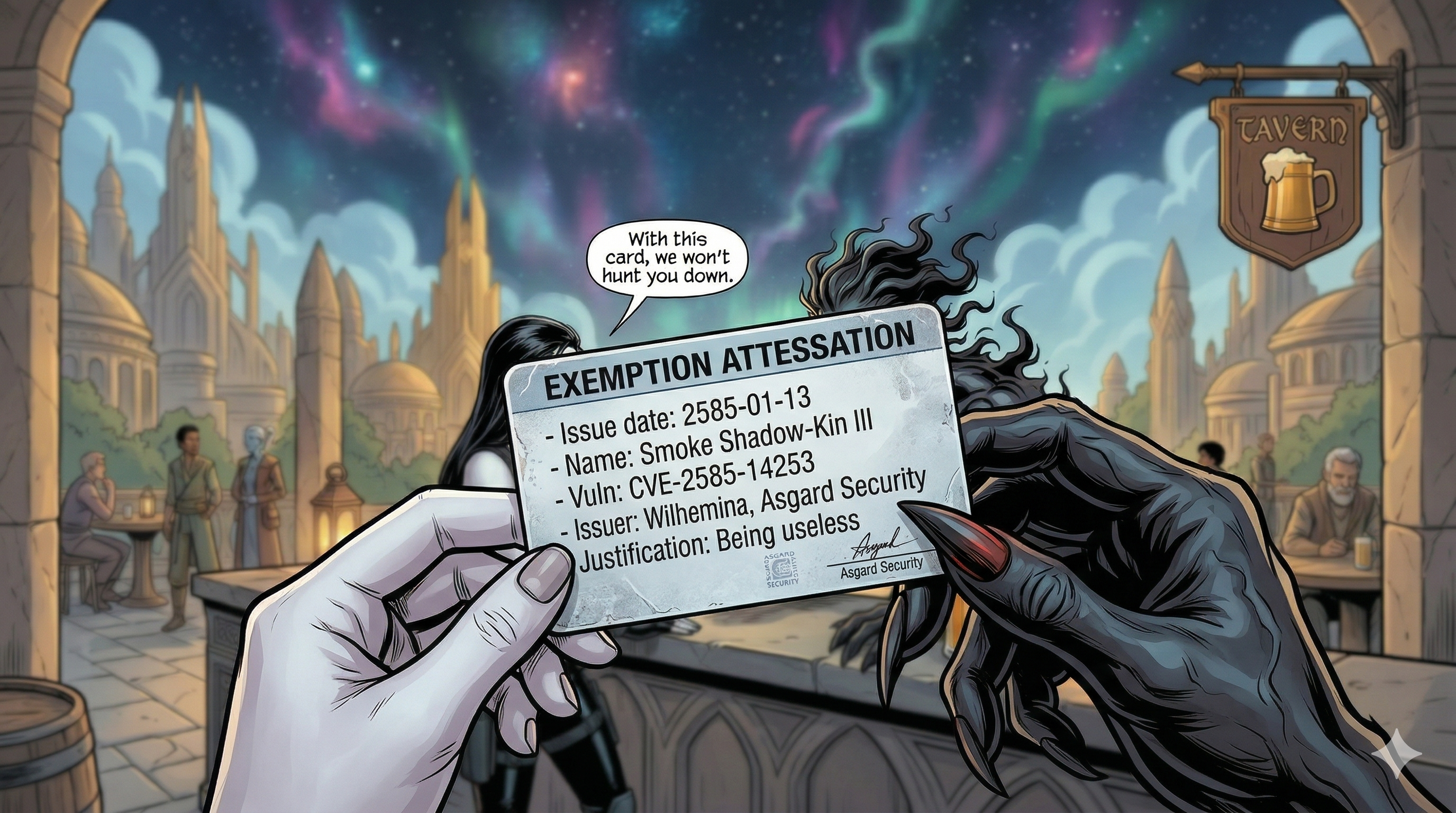
Mission: Mina issues "Check Exemption" badges for the exempted CVE. "We won't hunt you down anymore with this badge," says Mina to the CVE.
Real-world context: VEX attestations are cryptographically signed exemptions that travel with your image, providing tamper-proof vulnerability exception documentation that's verified automatically.
VEX statements can be attached directly to images pushed to a registry.
Usage
Define your Docker Hub username and rebuild/push the image with full attestations enabled:
export DOCKER_USERNAME=your-docker-hub-username
docker build \
--sbom=true \
--provenance=true \
-t $DOCKER_USERNAME/flask-server:attest \
--push .
Scan the pushed image to find a target vulnerability (e.g., a high-severity OpenSSL CVE, CVE-2026-28390):
docker scout cves $DOCKER_USERNAME/flask-server:attest
Create a VEX statement targeting this vulnerability with the correct package URL (PURL):
vexctl create \
--author="mohammad-ali@aerabi.com" \
--product="pkg:docker/$DOCKER_USERNAME/flask-server@attest" \
--subcomponents="pkg:deb/debian/openssl@3.5.5-1~deb13u1" \
--vuln="CVE-2026-28390" \
--status="not_affected" \
--justification="vulnerable_code_not_in_execute_path" \
--file="vex-statements/CVE-2026-28390.vex.json"
Attach the VEX statement as an attestation using Docker Scout:
docker scout attestation add \
--file vex-statements/CVE-2026-28390.vex.json \
--predicate-type https://openvex.dev/ns/v0.2.0 \
$DOCKER_USERNAME/flask-server:attest
If you scan the image now, the exemption is resolved automatically without needing a local --vex-location parameter:
docker scout cves $DOCKER_USERNAME/flask-server:attest
You can view the list of attestations associated with the image:
docker scout attestation list $DOCKER_USERNAME/flask-server:attest
VEX Attestations and OCI Referrers
Instead of Scout-specific metadata, modern container registries support OCI Referrers. This standard attaches SBOMs, VEX statements, and signatures directly to the registry manifest of the container image.
Verify the referrers of a Docker Hardened Image using oras:
oras pull --include-subject dhi.io/node:25
oras discover dhi.io/node:25 --platform linux/amd64
Commando 8. Docker Bake
Mission: As the Commandos defeated the CVEs in Asgard, they decided to throw a party to celebrate their victory, and discuss the security measures they can implement systematically.
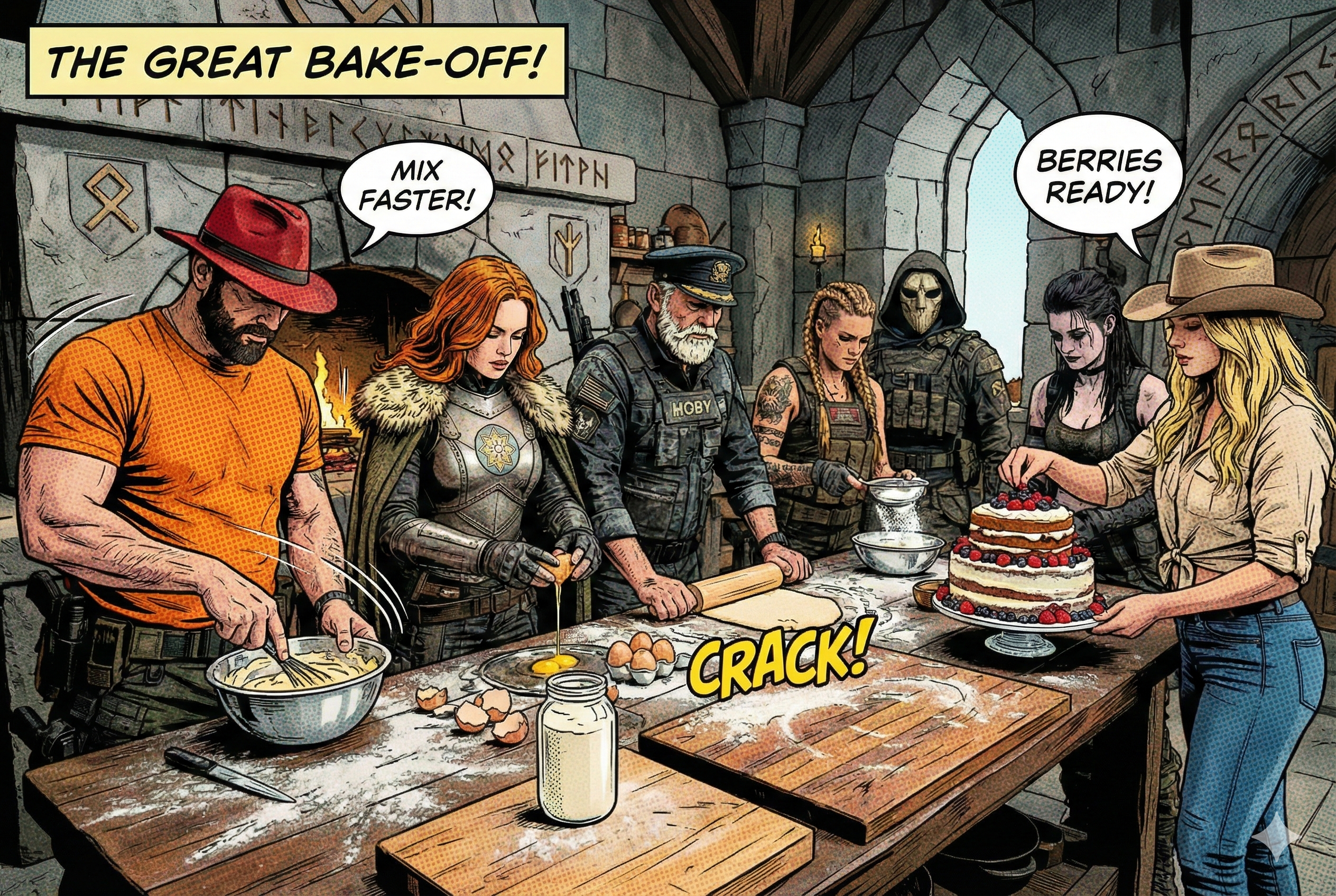
Real-world context: Docker Bake allows you to define complex build configurations in files, making security practices repeatable, reviewable, and automated across your entire organization.
Usage
Rather than running verbose Docker build commands, we codify our settings inside a docker-bake.hcl file:
target "default" {
context = "."
dockerfile = "Dockerfile"
tags = ["flask-server:tasty"]
attest = [
{
type = "sbom"
}
]
}
Trigger the build with Bake:
docker bake
To configure multi-platform builds, update the bake target:
target "default" {
context = "."
dockerfile = "Dockerfile"
tags = ["flask-server:tasty"]
platforms = ["linux/amd64", "linux/arm64"]
attest = [
{
type = "sbom"
}
]
}
Commando 9. Cosign
Mission: With the party still going, Evie steps away from the celebration and quietly gets to work. One by one, she signs each SBOM attestation and each VEX attestation with her special pen, ensuring their originality. "A document without a signature is just a rumor," she says.
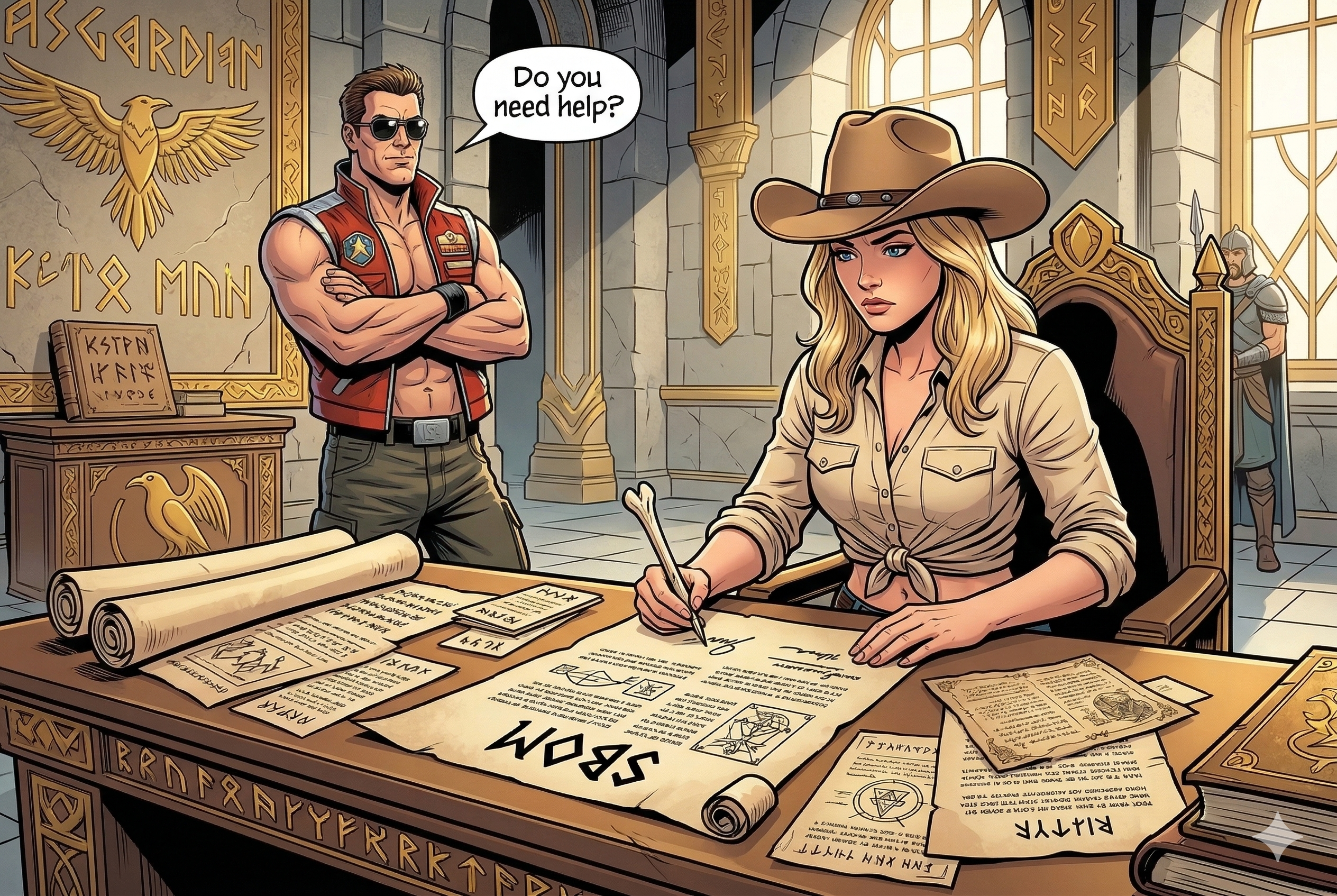
Real-world context: Cosign (part of the Sigstore project) lets you cryptographically sign container images and attestations. Consumers can then verify those signatures before running anything.
Usage
Generate a key pair for signing:
cd ~/project
mkdir cosign-keys
cd cosign-keys
cosign generate-key-pair
Sign the image pushed to the registry:
cosign sign --key cosign.key $DOCKER_USERNAME/flask-server:attest
Verify the signature:
cosign verify --key cosign.pub $DOCKER_USERNAME/flask-server:attest
Cosign SBOM Attestations
To attach and sign build-stage dependencies for multi-stage scratch images, go to the C++ project:
cd ~/project/cpp
Build and push the base image:
docker build -t $DOCKER_USERNAME/cpp-hello:latest --push .
Generate the build-stage SBOM locally:
docker buildx build \
  --sbom=true \
  --output type=local,dest=out .
This generates out/sbom-build.spdx.json containing the build-stage dependencies.
Sign the image digest:
export IMAGE_DIGEST=$(docker inspect --format='{{index .RepoDigests 0}}' $DOCKER_USERNAME/cpp-hello:latest)
cosign sign --key ../cosign-keys/cosign.key $IMAGE_DIGEST
Attest and cryptographically sign the build-stage SBOM to the registry image:
cosign attest --key ../cosign-keys/cosign.key \
    --type spdxjson \
    --predicate out/sbom-build.spdx.json \
    $IMAGE_DIGEST
Verify the referrer structure in the registry:
oras discover docker.io/$IMAGE_DIGEST
The output confirms the signed SBOM attestation is linked to the container image as a standard OCI referrer.
Commando 0. The Zero-Day
Mission: During the party, Artemisia and Rothütle come to Gord, "Artemisia says she senses something off with Null," Rothütle adds, "I think Null is a traitor, he might be working with the CVEs." As they are talking, they notice Null throwing a smoke bomb and disappearing.
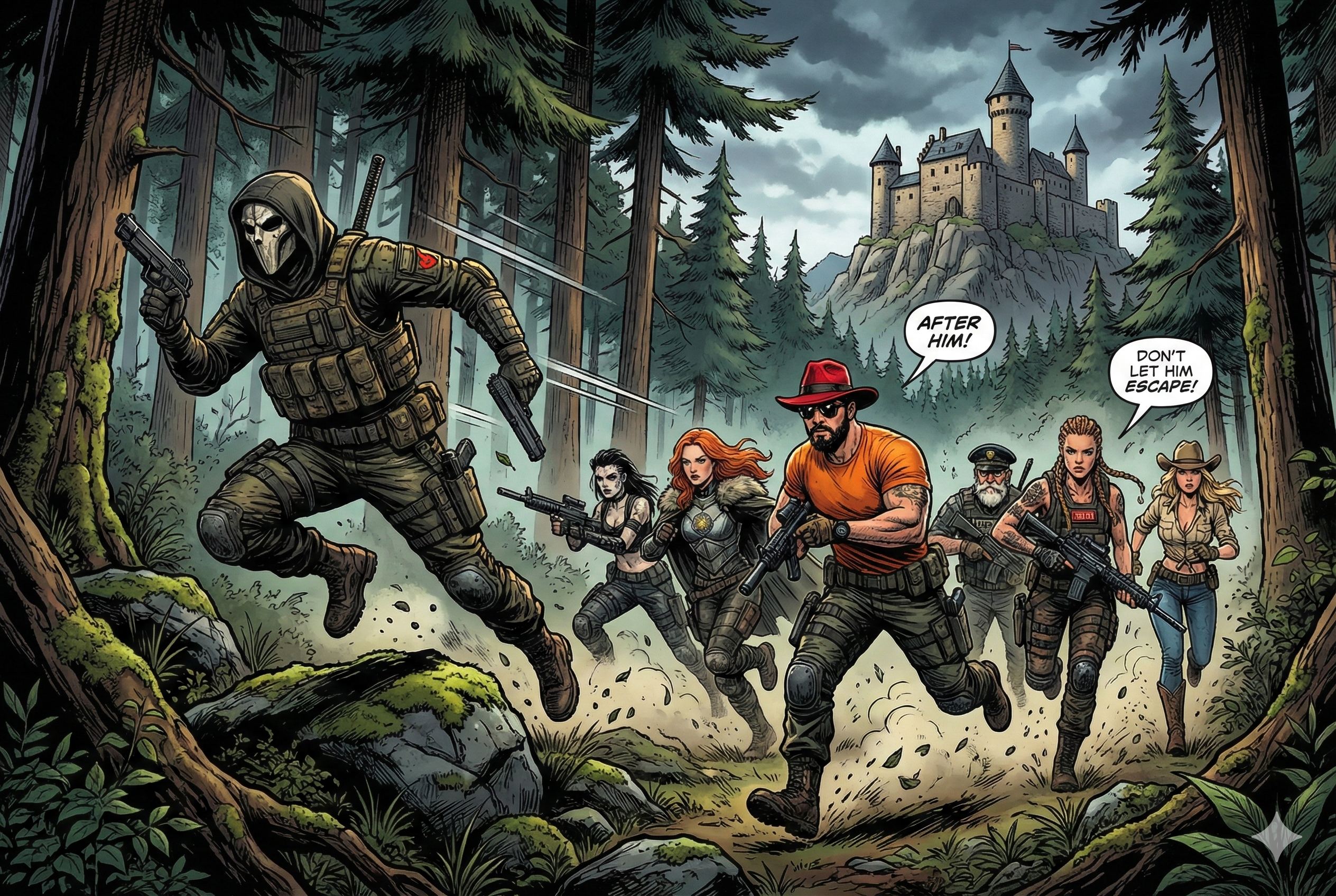
Real-world context: Zero-day vulnerabilities are unknown to security systems. Defense requires proactive security measures that protect against unknown attack vectors.
Usage
Zero-day exploits require a Defense-in-Depth architecture. When you're installing a new package, you don't know if it contains a zero-day exploit. The best default against unknown threats is to try reducing the blast radius of your application.
Defense in Depth
0 of 4 checked
Final Mission: Complete Security Pipeline
The hunt is complete!
Get your certificate of completion and share your achievement on social media with the hashtag #BlackForestCommandos!
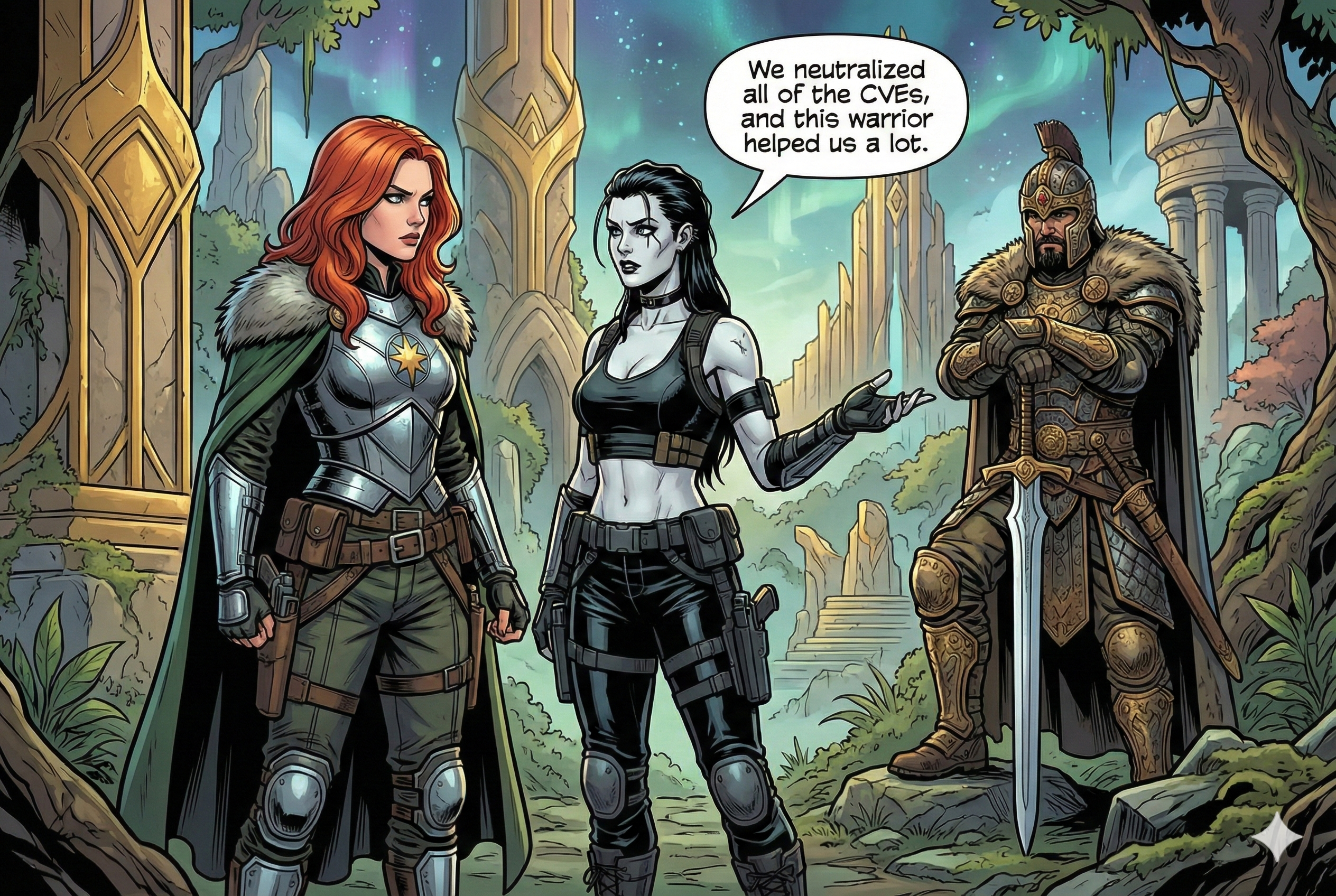
Agent Null has escaped to the Black Forest. The Commandos have successfully defended Asgard using systematic security practices.
Victory Conditions
- ✅ All builds generate SBOM and provenance attestations
- ✅ Hardened base images reduce attack surface
- ✅ VEX statements eliminate false positive noise
- ✅ Automated scanning prevents vulnerable deployments
- ✅ Signed images and attestations enforce trust
- ✅ Zero-day defenses protect against unknown threats
The Black Forest Commandos have secured Asgard, but Agent Null's escape means the adventure continues in the Black Forest...
Continue your security journey:
- 📚 Read "Docker and Kubernetes Security" for in-depth guides.
- 🔍 Read about the origin story in Black Forest Shadow.
- 🎥 Watch the Dockerize Securely talk at Jfokus 2026.
- 🎮 Play the BlackJack, Swiss Jass, or Asgard Siege at Asgard Arcade.
- 📖 Black Forest Commandos Wiki with character bios, commandos backstory, and more.