
Docker Sandboxes: Automating Network Approvals with `jq` and `xargs`
A small book update led to a batch of blocked requests in Docker Sandboxes, an xargs error, and a jq pipeline to approve the network access Codex needed.
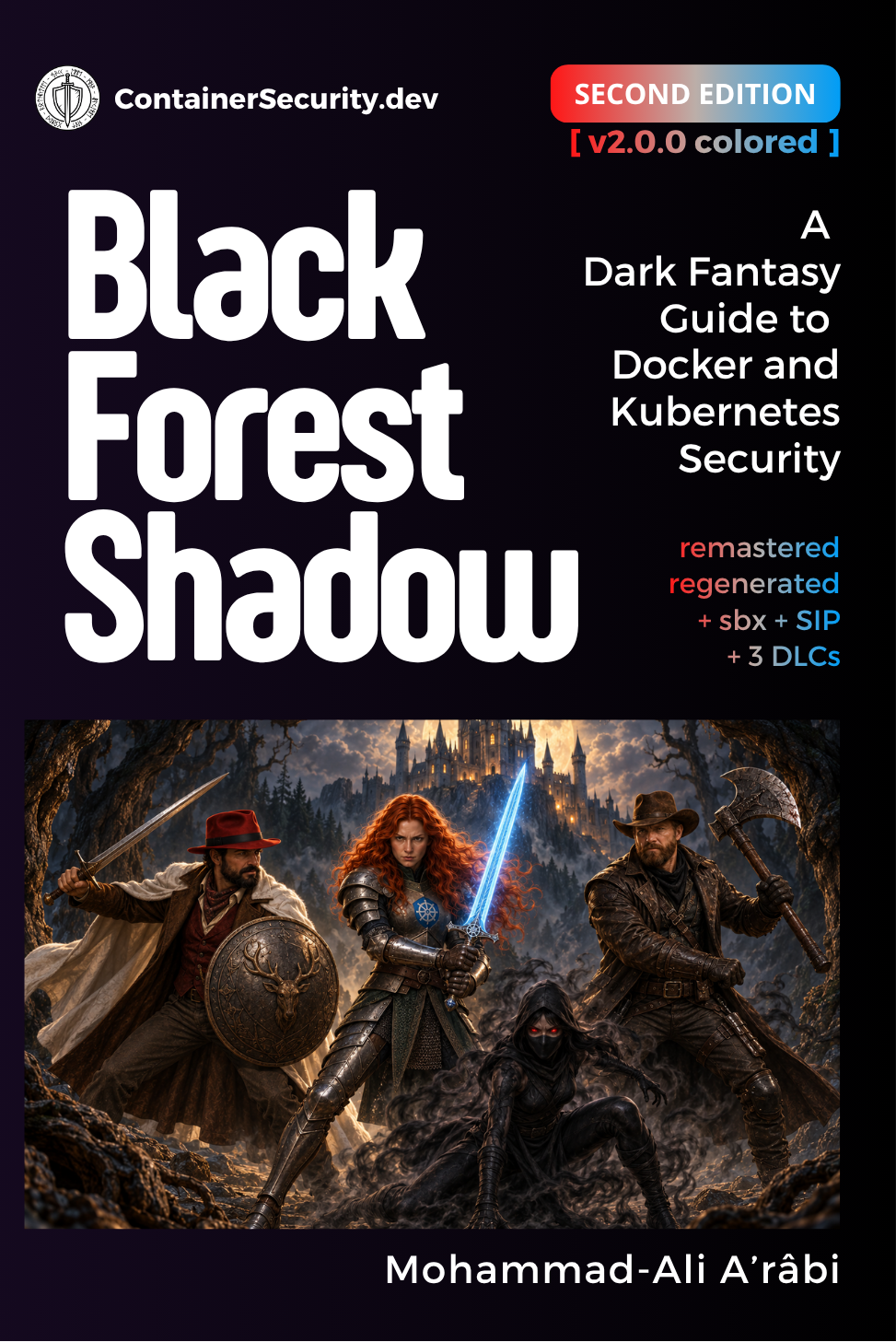
I had a small edit to make to Black Forest Shadow. The book had been named a finalist in the 2026 DevOps Dozen Awards, and I wanted to mention it in the front matter. Two short additions, then back to whatever else I was supposed to be doing.
So, I started a Docker Sandbox. All commands below run on the host; % is the prompt, not part of the command:
% sbx run --name bfs codex .
Codex opened up in a sandboxed environment. I typed:
The book is now a finalist for DevOps Dozen 2026. Check the nominations online and mention it in the book. Before adding the nomination, check with me on the options.
The agent came back to me and said it could not reach the official awards site, and that I have to go back to the host to approve the network access.

Let's Take a Step Back
Why was Codex blocked? Because when I installed Docker Sandboxes, I set the default policy to deny all network access:
% sbx policy init deny-all
I had also signed in with my OpenAI account through OAuth:
% sbx secret set openai --oauth
That's why Codex could run, but it could not reach the awards site. It was waiting for me to approve the network access.
List the Pending Approvals
Codex tried the awards site. HTTP 403, with a message asking for approval. It tried DevOps.com and Google. Same result.
It asked me to approve the requests. So, I went to the host terminal and ran:
% sbx policy approval ls
The output was something like:
  APPROVAL                                              SANDBOX   TITLE                           DETAIL                                                                      OPTIONS
  network:3OKrKYN8daftvL7UnkA52NAIshtvj17icce48_-Q6kU   bfs       ab.chatgpt.com:443              Protocol: TCP Resource type: domain no matching allow rule (default deny)   allow (Allow), dismiss (Dismiss)
  network:VP7ZiSFqxWiAy9G_uBRXaxD8MXFPbw29fwn8j5IpcCI   bfs       raw.githubusercontent.com:443   Protocol: TCP Resource type: domain no matching allow rule (default deny)   allow (Allow), dismiss (Dismiss)
  network:UYk2JUAF_5JOO6AT3T9c7S5j8cham78m5pDOSteGZNk   bfs       devopsdozen.com:443             Protocol: TCP Resource type: domain no matching allow rule (default deny)   allow (Allow), dismiss (Dismiss)
There were more rows than that, but you get the idea. Each row is a request for network access. The OPTIONS column shows what I can do: allow or dismiss.
So, I approved the first one:
% sbx policy approval respond \
    network:3OKrKYN8daftvL7UnkA52NAIshtvj17icce48_-Q6kU \
    --option allow
But, there were seven more requests. So, I thought, if you can do something in one minute, you should spend 20 minutes automating it, like a real engineer.
Approve All the Requests
The list of pending requests can be output in JSON format:
% sbx policy approval ls --format json
Enter jq, the command-line JSON processor. I can use it to extract the approval IDs from the JSON output:
% sbx policy approval ls --format json | jq -r ".[] | .id"
So, basically, I can pipe the JSON output to jq. The command jq -r ".[] | .id" extracts the id field from each object in the array. The -r option outputs raw strings, so I get a list of approval IDs, one per line.
Then I can use xargs to pass each ID to the approval command:
% sbx policy approval ls --format json \
    | jq -r ".[] | .id" | \
    xargs -r -n 1 sbx policy approval respond --option allow
The -n 1 option tells xargs to run the command once for each input. Omitting it would try to pass all the IDs at once, which would fail because the approval command only takes one ID at a time. Try that and you'll see an error like:
error: accepts 1 arg(s), received 7
Also, the -r option tells xargs to not run the command if there is no input. It's for the case where there are no pending approvals.
Well, the jq part worked. Back in Codex, I typed:
Now try again.
This time, the official awards site loaded. Tada!
Keep the Default Deny Useful
When I first checked the pending approvals, I reviewed them all. Blindly approving everything an agent asks for defeats the purpose of default deny. The pending list can include other sandboxes and destinations unrelated to the task.
Here's where jq actually earns its place: Select only the bfs sandbox, exact destinations I trust for this task, and requests offering an allow option:
% sbx policy approval ls --format json |
    jq -r '.[] |
      select(.sandbox_name == "bfs") |
      select(.title == "devopsdozen.com:443" or .title == "devops.com:443") |
      select(any(.options[]; .id == "allow")) |
      .id' |
    xargs -r -n 1 sbx policy approval respond --option allow
These are exact HTTPS destination matches, so they don't include subdomains or other ports. Review the list first; for a closer look, use sbx policy approval inspect APPROVAL-ID with an actual ID from the list.
Also, approval isn't a one-request pass. For these host-and-port requests, it creates a persistent allow rule for that destination in that sandbox, covering later requests until the rule is removed. It doesn't grant access to every sandbox or every subdomain. HTTP-specific approvals can be narrower, covering a method and exact path; Docker's approval docs explain the distinction.
One could also allowlist domains manually instead of approving requests:
% sbx policy allow network --sandbox bfs 'devopsdozen.com:443,devops.com:443'
To inspect the rules created by approvals for bfs, run:
% sbx policy ls bfs --wide --created-via approval
Plot Twist
After overengineering for 20 minutes, I realized that we didn't need jq at all to approve all the requests:
% sbx policy approval ls -q | \
  xargs -r -n 1 sbx policy approval respond --option allow
Next time I should read the --help output more carefully. I'm pretty sure I looked it up and -q wasn't there!
Back to the Book
The agent found all four entries in the official finalist listings:
- Best Independent DevOps Content or Educational Resource: Black Forest Shadow.
- DevOps Advocate of the Year: Mohammad-Ali A'râbi.
- DevOps Educator of the Year: Mohammad-Ali A'râbi.
- Best DevOps Community Program or Event: ContainerSecurity.dev.
It put the book's recognition in About This Book and the other three in About the Author. If you want the full nomination story, I wrote about it here:
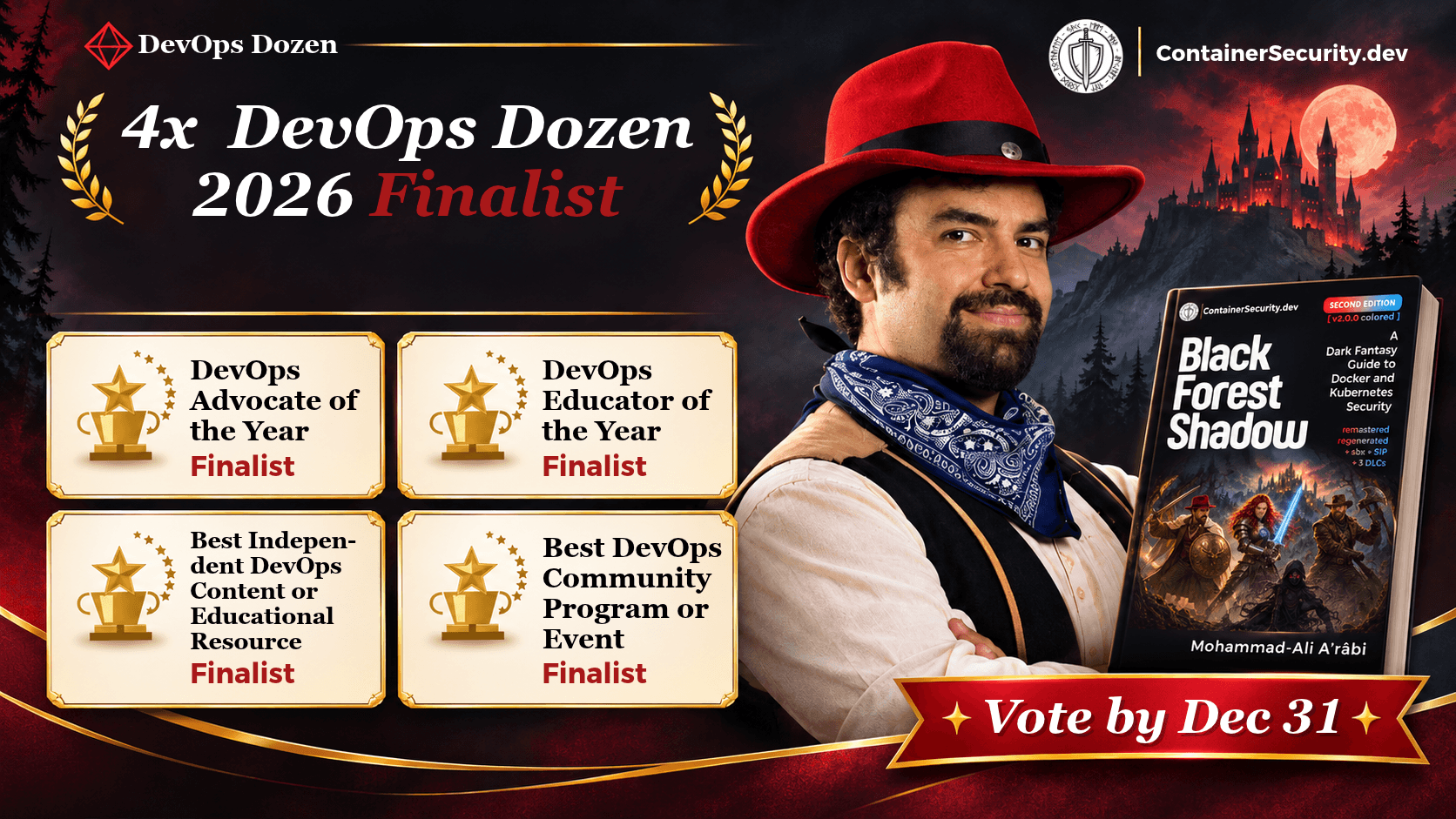
Four DevOps Dozen 2026 Finalist Nominations!
Four DevOps Dozen 2026 finalist nominations for Mohammad-Ali A’râbi, Black Forest Shadow, and ContainerSecurity.dev. Public voting is now open.
containersecurity.dev
I'm collecting more of these adventures in my upcoming book, Docker Sandboxes in Action.
The manuscript got two short additions. The three-line shell pipeline somehow got a blog post.